Social media content approval tool
Quick and easy
content approval
Always get mistake-free posts and save time by bundling your conversations and content approval process into one place.

Why you should use social media approval tool?
Saving time
PostFlow simplifies the content approval process, replacing the constant back-and-forth emails with an organized and efficient approval process.
Say goodbye to chasing clients for feedback and the frustration of sending multiple emails and messages.
Automate content approval process, save time and focus your energy on something meaningful like creating engaging content.
Mistake-free posts
Avoid the chaos caused by last-minute changes and rushed fixes. PostFlow helps you ensure every post is reviewed by your team or clients before it is published.
With pixel-perfect post previews and the ability to leave feedback directly on the post, approvers can easily review and suggest edits.
Say goodbye to errors and hello to confidence in every campaign!
How the content approval process works
From creating posts to gathering approvals, every step is designed to keep your team and clients aligned.
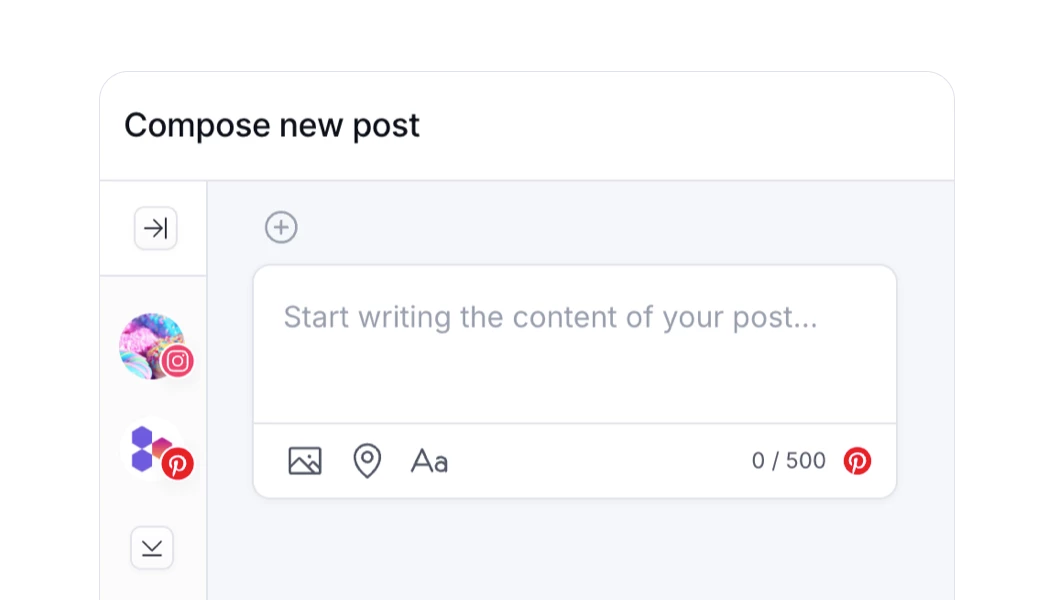
1 - compose new post
Compose the content of a new post or use an existing draft. Add media, tweak settings for social platforms and select a publish date.
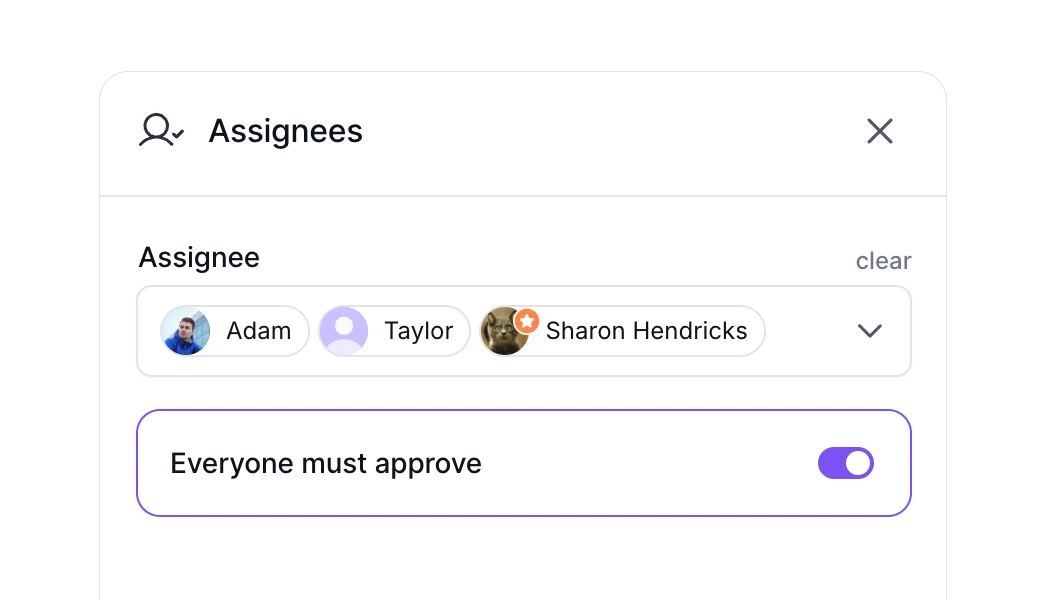
2 - select approver(s)
Once the content is ready, select the right people to approve the content and send it off for review. You may attach a note or comment.
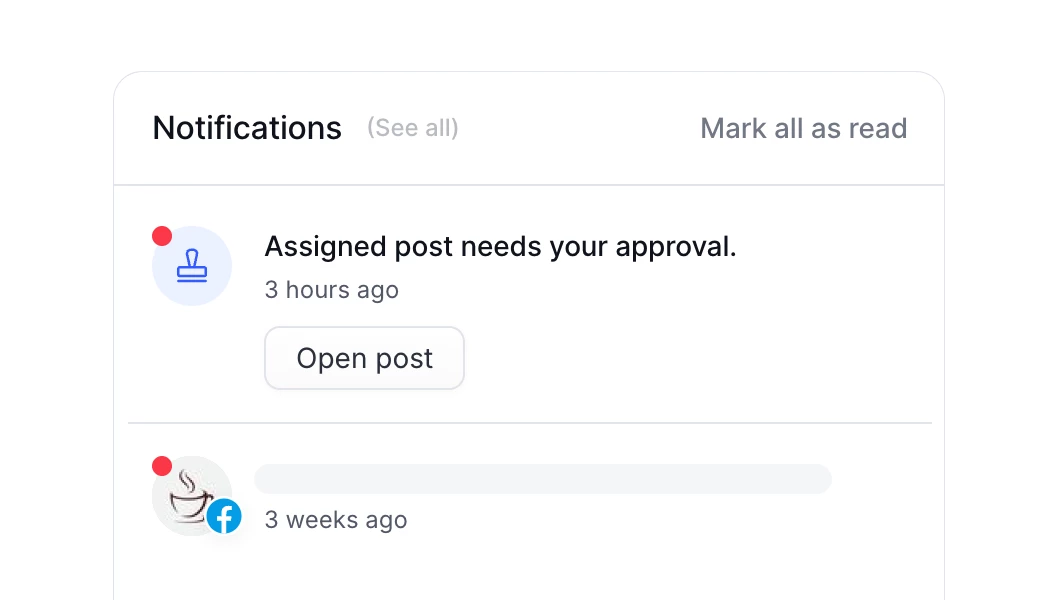
3 - approvers get notified
Approvers get a notification in PostFlow's notification center and by email, so no post waiting for review slips through.
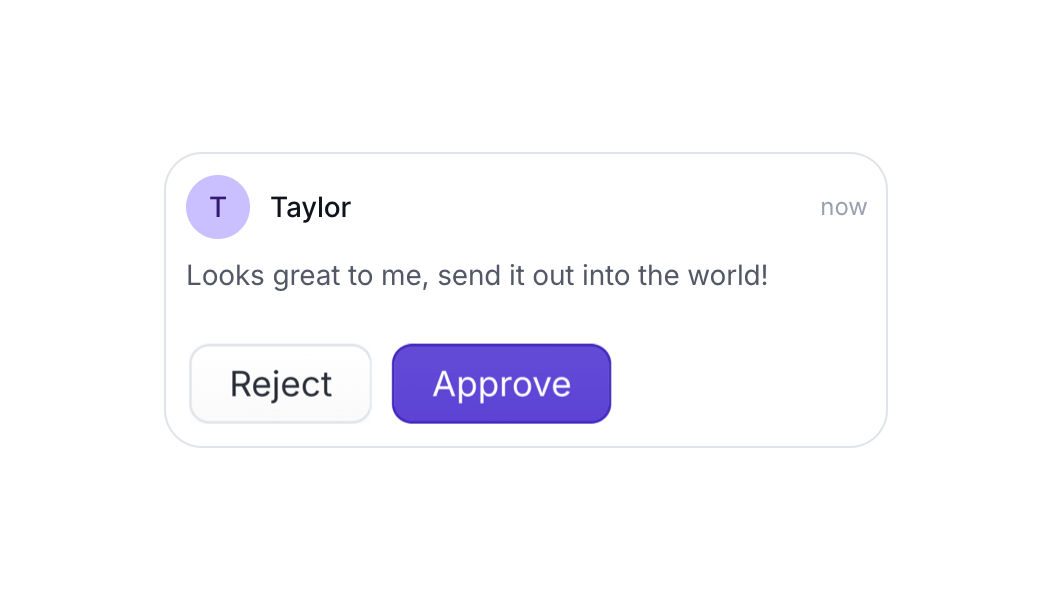
4 - approve or reject
Assignees can quickly approve, reject or request further changes. They can also leave a feedback in the comment section next to the post preview.
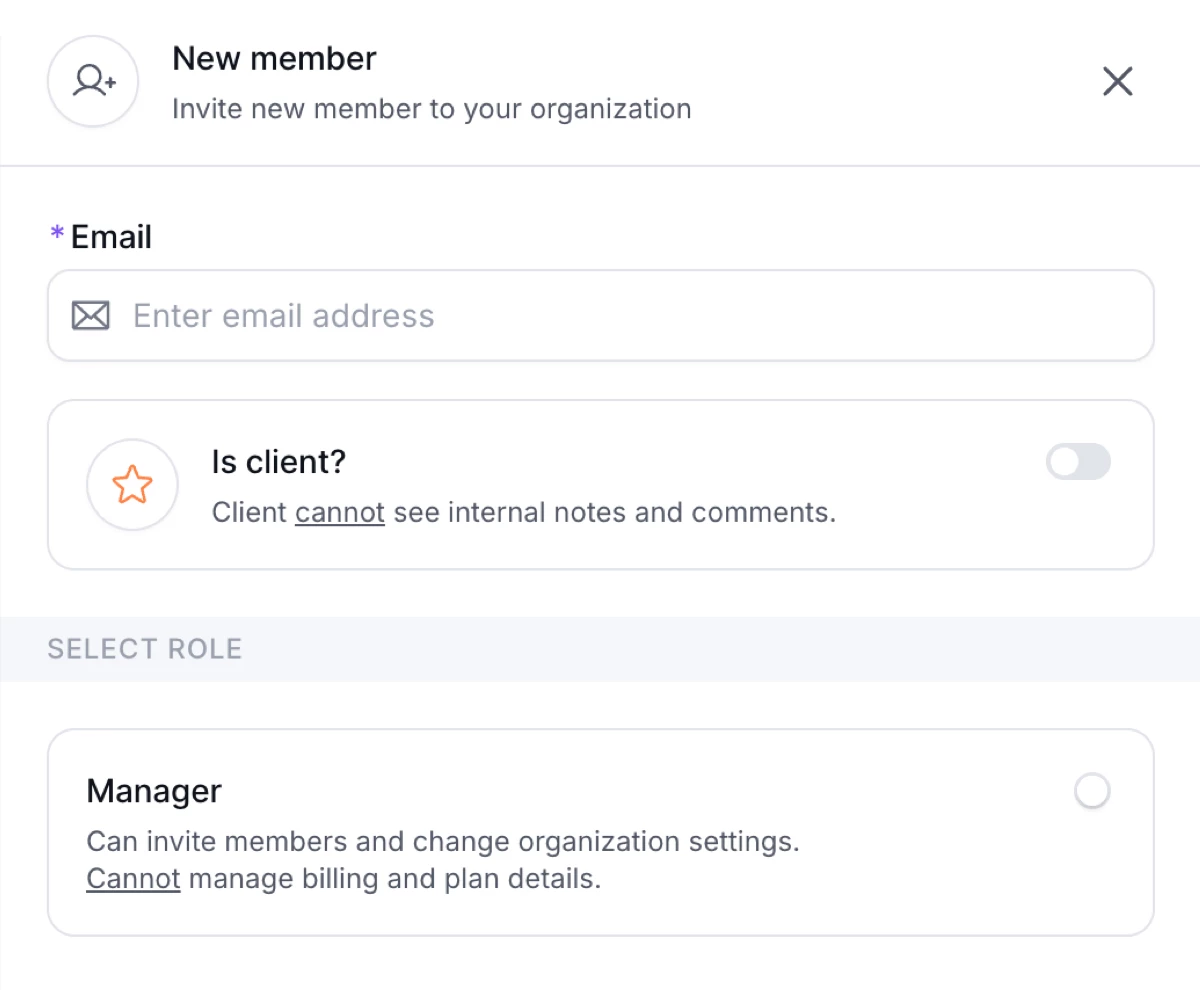
Invite your team and clients. Unlimited seats for free.
PostFlow doesn't charge per member seat, so you can invite all team members and clients to your organization for free.
Integrate your clients directly into the platform, enabling them to review and approve content, as well as provide valuable feedback.
Grant or restrict access to groups with roles and use permissons to control whether they can connect new accounts or approve content.
More about collaboration →Perfect presentation for client
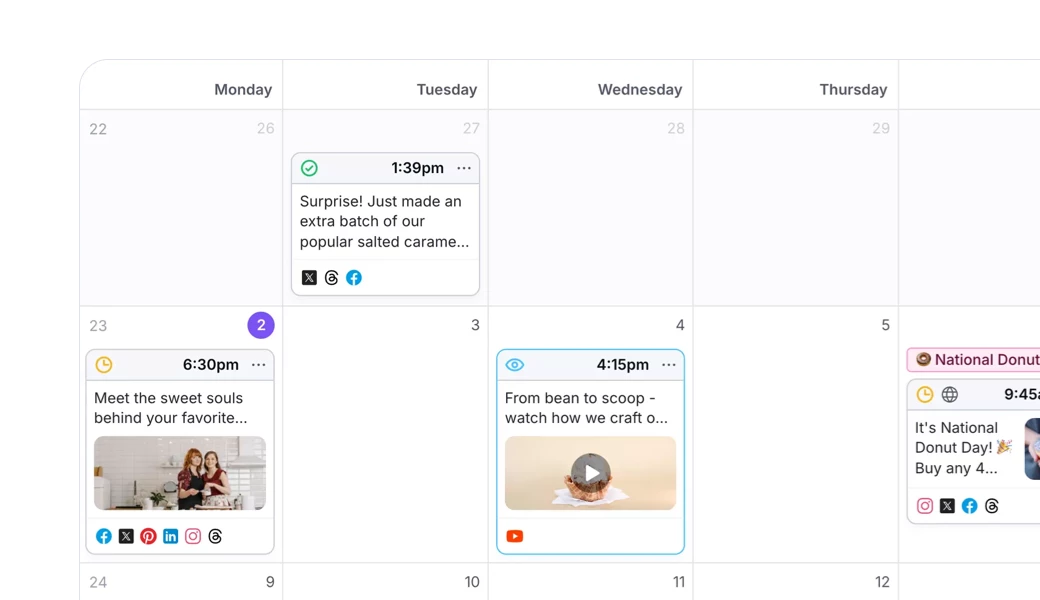
Clients can preview all the posts you prepare in PostFlow. They will have a complete overview of campaign. Everybody is on the same page.
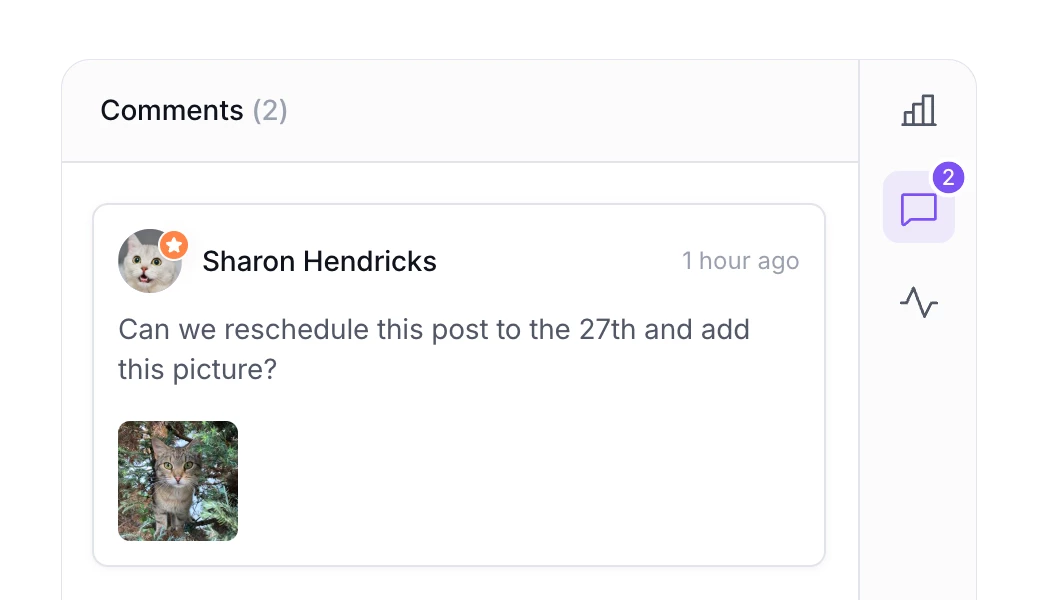
Communication with clients
Clients you invite to PostFlow can also comment, suggest edits and provide feedback in one centralized place for easy communication.
Multiple content
approval workflows
Choose the approval workflow that best suits your organization or workflow.
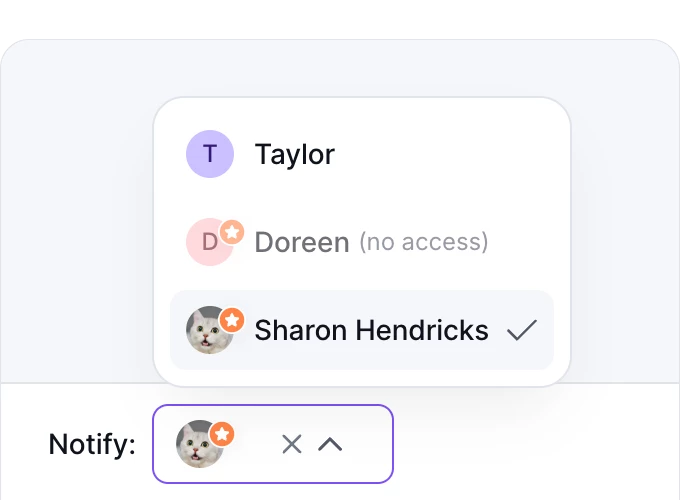
Loose approval
Anyone with permission can approve. You can select assignee, who will receive notification.
Strict approval
You can assign multiple approvers and choose if approval is required from everyone or just one.
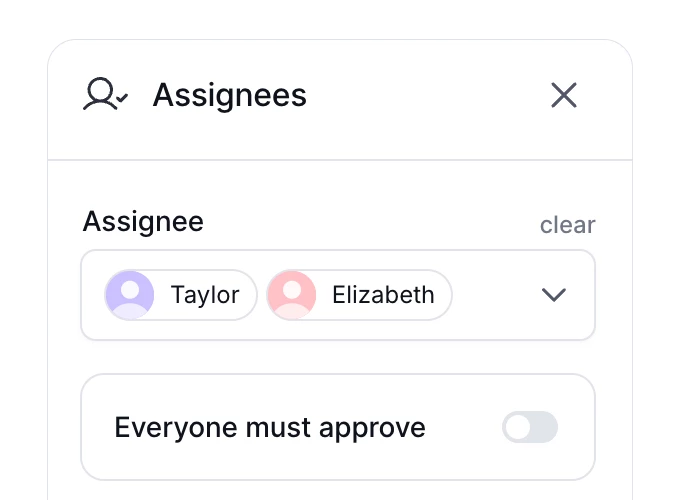
Client approval process
If you select a client as an assignee, the client will be notified last, after internal approval.
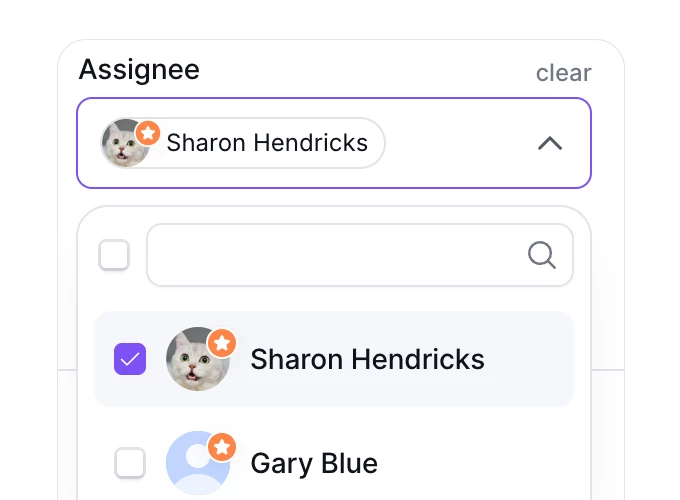
More approval features
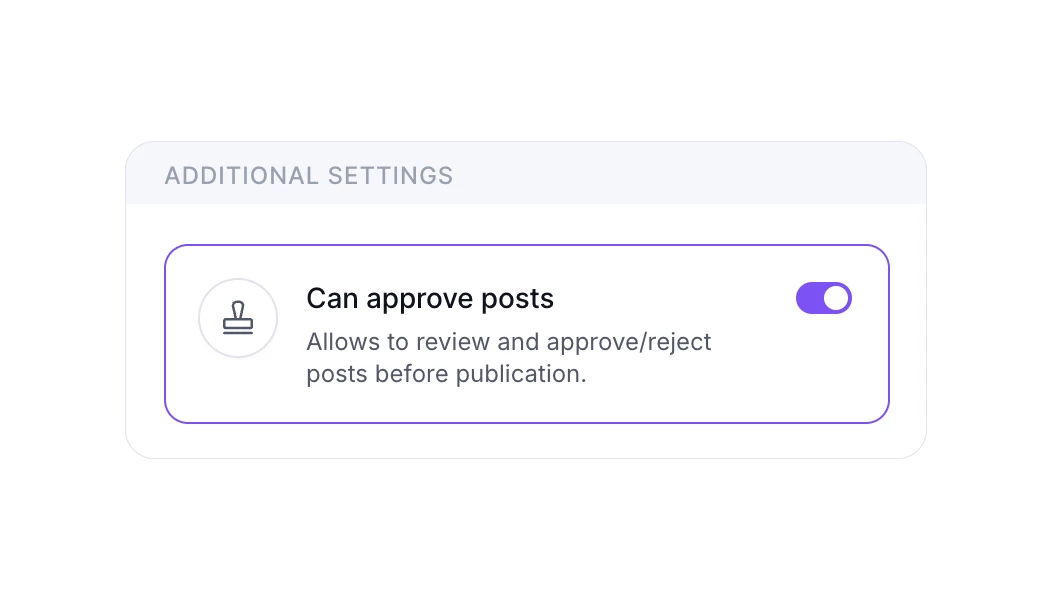
Approval permissions
Grant approval permission only to relevant stakeholders or clients. Be confident that only the right people can review and approve the content.
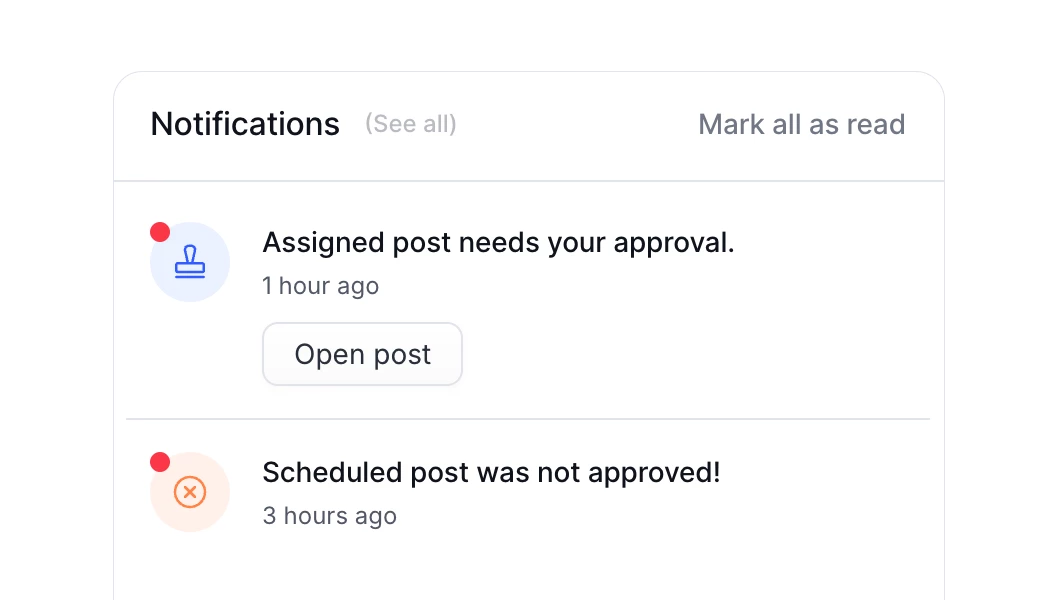
Approval notifications
Get notified when post content needs your approval or, vice versa, when a post needs a slight edits before publishing.
FAQs
A social media approval process is a set of steps every post goes through before it is published. The content is created, sent to the right people for review, approved or returned with feedback, and only then scheduled or published.
With PostFlow the whole process happens next to the post preview, so nobody has to search for feedback in emails or chats.
A content approval workflow defines who has to approve the content and in which order. In PostFlow you can use loose approval, where anyone with permission can approve, strict approval with multiple required approvers, or a client approval process, where the client is notified only after internal approval.
Compose the post, select one or more approvers and send it off for review. Approvers get a notification in PostFlow and by email, and they can approve the post, reject it or request changes in the comments.
Yes. Invite your clients to PostFlow and they can preview posts, leave comments, suggest edits and approve content. PostFlow doesn't charge per seat, so you can invite all your clients and team members for free.
It depends on your team. Usually it is a social media manager or marketing lead, sometimes also legal or brand stakeholders, and in agencies the client. With approval permissions you decide exactly who can approve content in each group.
Explore PostFlow platform
Schedule
Schedule your social media content weeks ahead. All platforms, one simple tool.
More about scheduling →Plan
Plan and visualize your social media strategy in intuitive calendar or other views.
More about planning →Collaborate
Collaborate on content with your team and clients in the perfect flow. Invite everybody.
More about collaboration →Analyze
Understand what content your audience likes with data. Detailed metrics and insights.
More about analytics →